

📧 How to Log In to InWallet.Cards
This article explains the process of logging in via Email
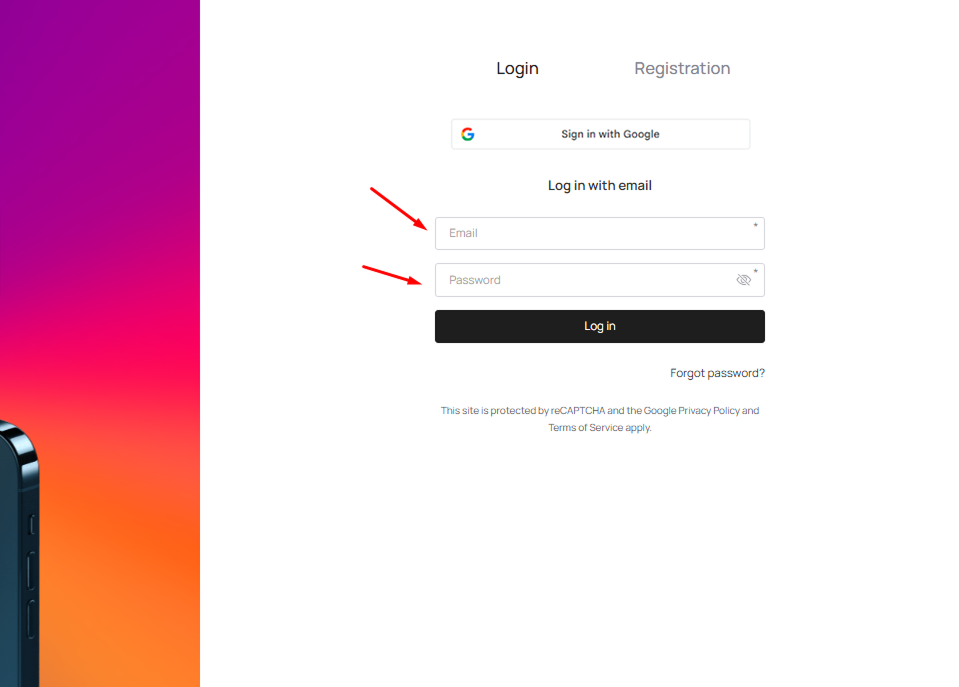
Login with email
Enter your registered email address and password.
Click the Log In button.
Login with Google
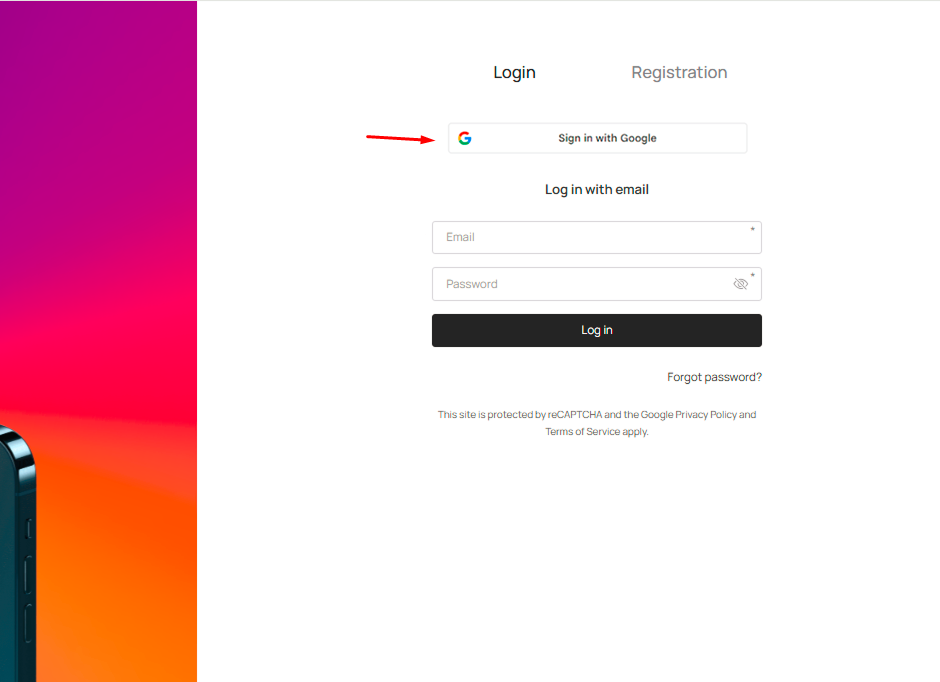
Click the "Sign in with Google" button at the top of the login page.
Select your Google account.
You will be logged in automatically.
Important: Make sure you select the correct Google account. If you click "Sign in with Google" using an email that is not registered in Inwallet.Cards, the system will start a new registration process instead of logging you into your existing account. If you have multiple Google accounts in your browser, always verify which one is selected before clicking.
Troubleshooting
Wrong password: use the "Forgot password?" link on the login page to reset it.
Account blocked: if your trial or subscription has expired, your account may be locked. Go to Settings → Plan to check your subscription status and renew.
Not sure which email was used: contact our support team via intercom.