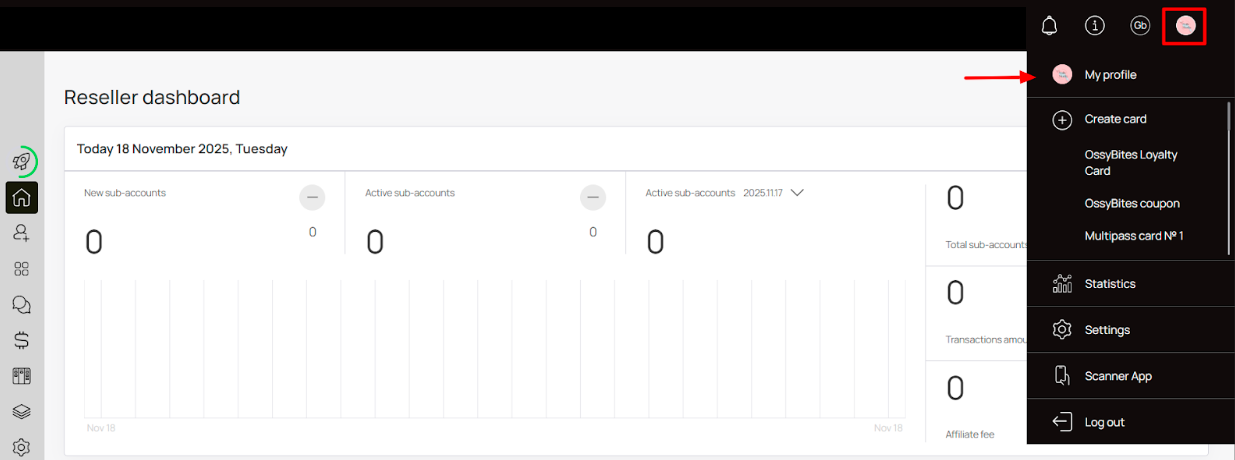

🔁 How to Recover your Account Password?
Recovering a forgotten password easier than ever
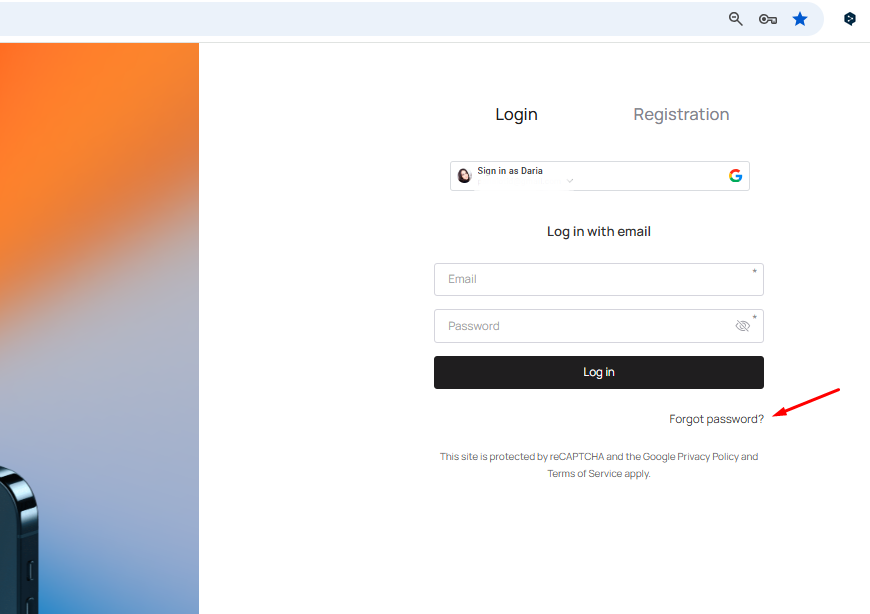
1. Upon landing on the Login screen, click the Forgot password? button located at the bottom-right corner.
2. As a result, you land on the Password recovery screen.
3. Here, enter your registered email address in the Email field.
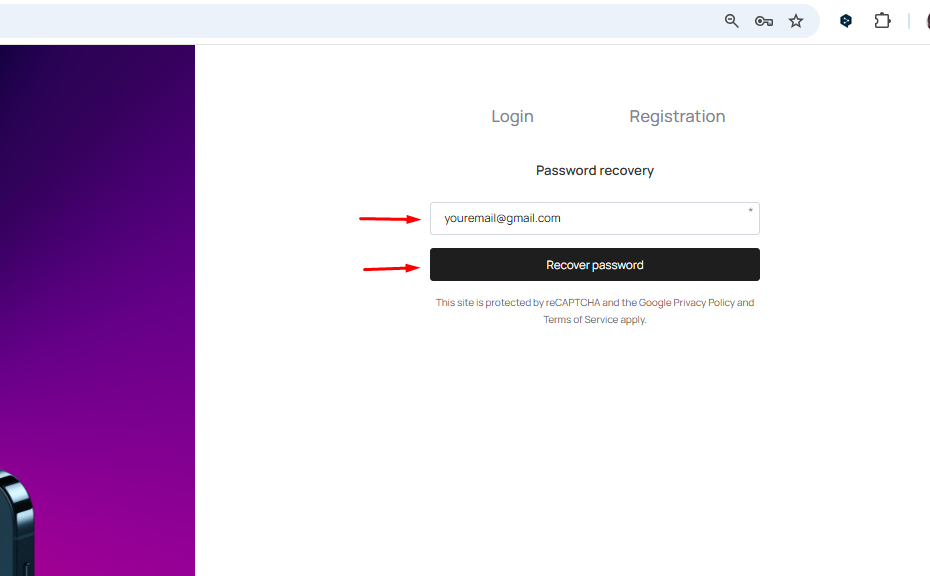
4. Click the Recover password button. This sends a password recovery link to the provided email address. You can follow the link from there to set a new password.
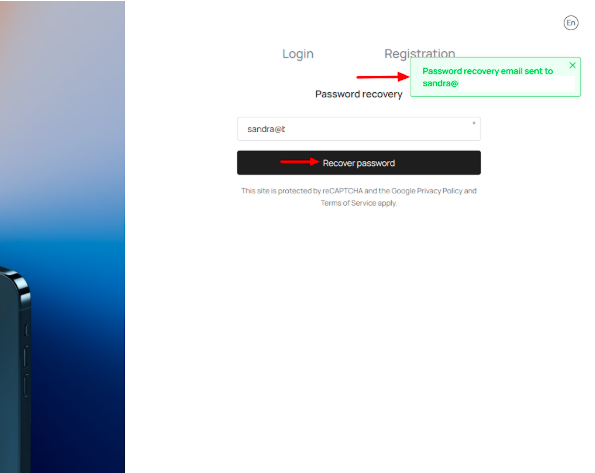
Please check your Inbox and Spam folder — the recovery email may take a few minutes to arrive. Make sure you enter the same email address that was used to register the account.
A temporary password will be sent to your email. (copy the password then head over to the login page or click on the change password option which will redirect you to the login page then login.) Use it to log in, then change your password immediately in your profile settings (Settings → Personal Settings → Password).
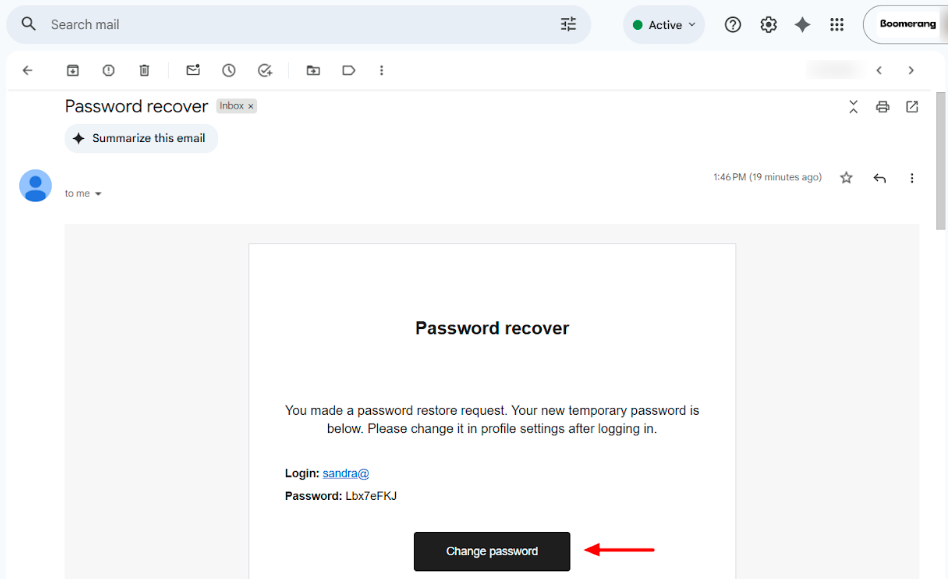
Ensure you change your password in profile settings.