
G How to connect Google Business API
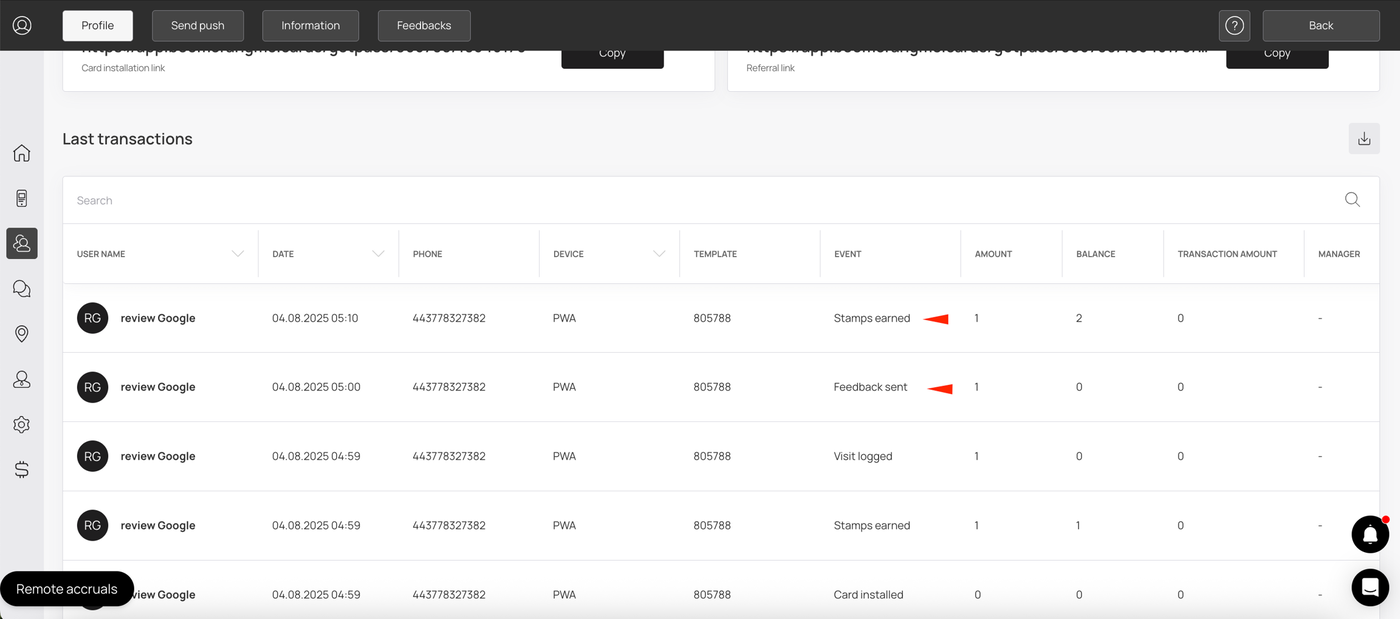
You can set up the option to receive stamps/points for good reviews on Google Maps. This feature works for the following card templates: stamp, reward, cashback, multipass, gift.
To do this, you must have a verified business profile on Google https://business.google.com/us/business-profile
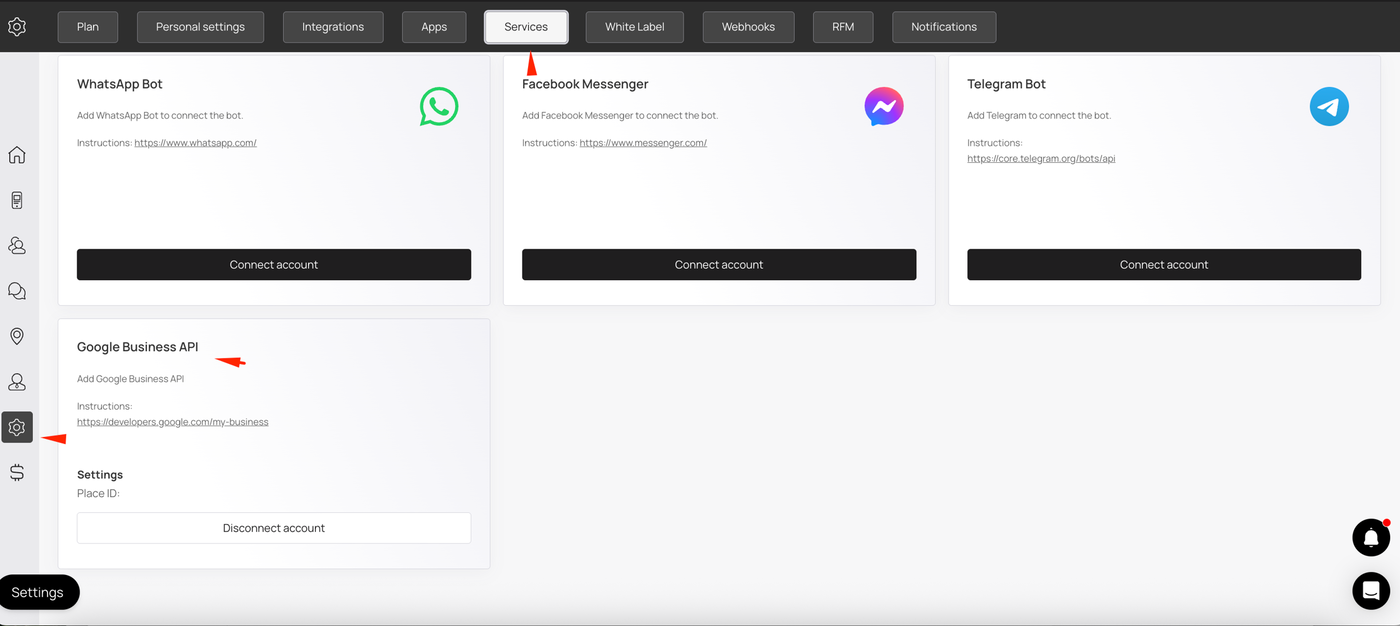
Go to your InWallet.Cards account settings, click on connect to Google Business API, and enter your Place ID.
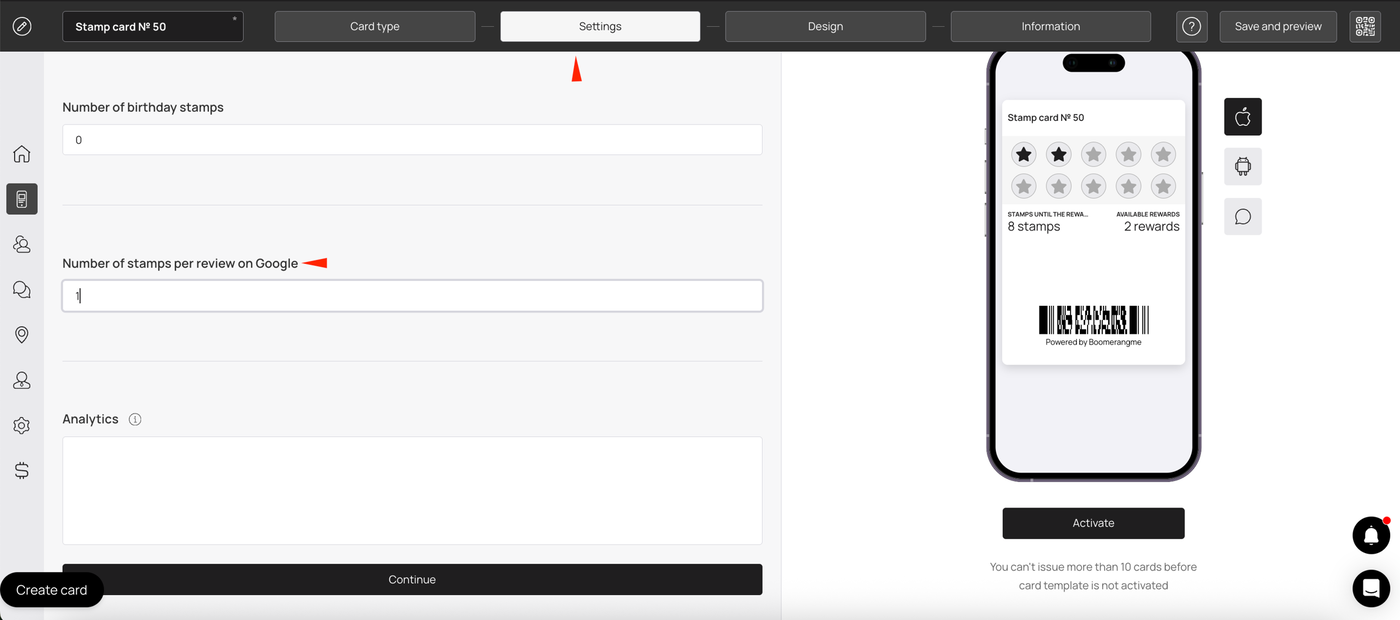
Now go to the template settings and enter how many points/stamps you want to give your customers for a good review.
Also add a link to your business review on Google Maps.
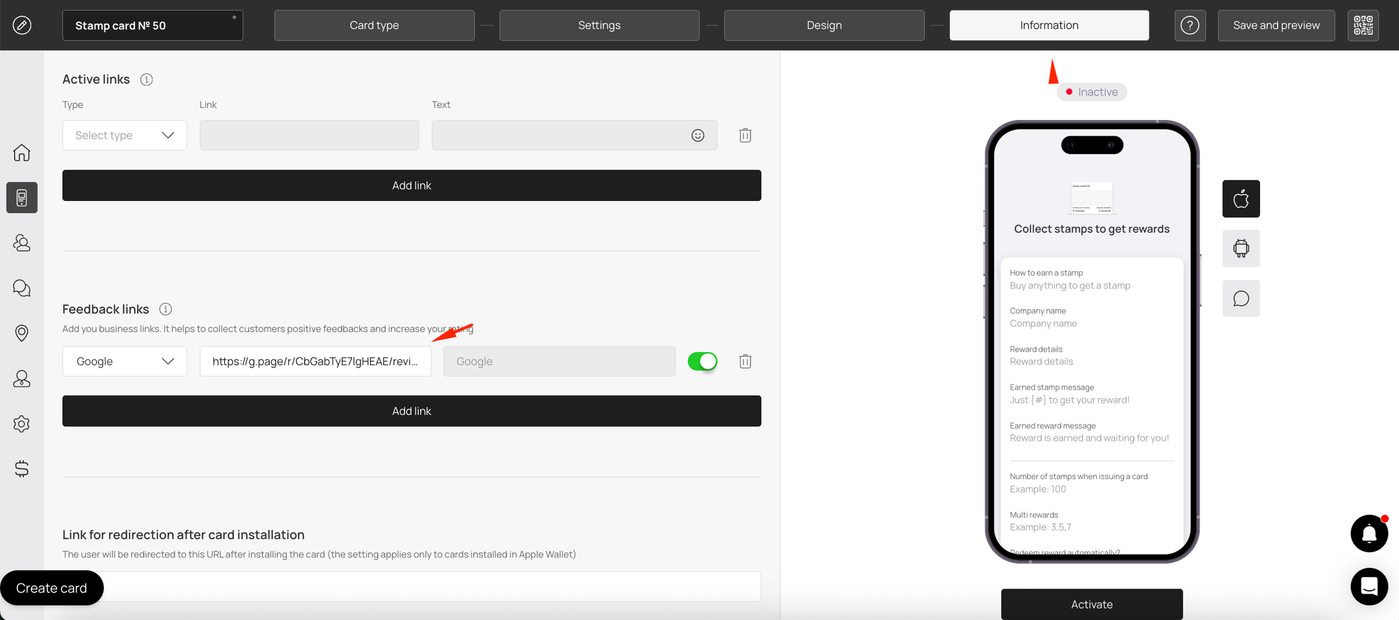
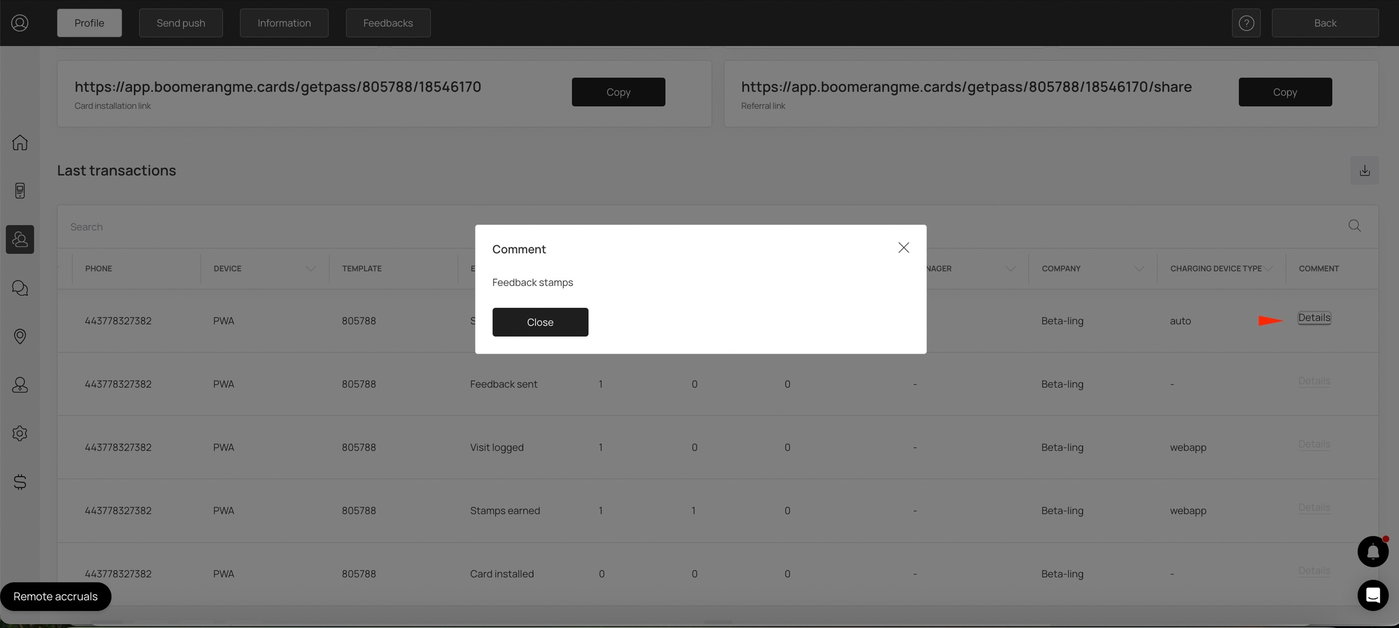
Now, if your customers give a 5-star rating, click on the link to the review on Google Maps and leave a review there (!) within 10 minutes, they will receive points/stamps.
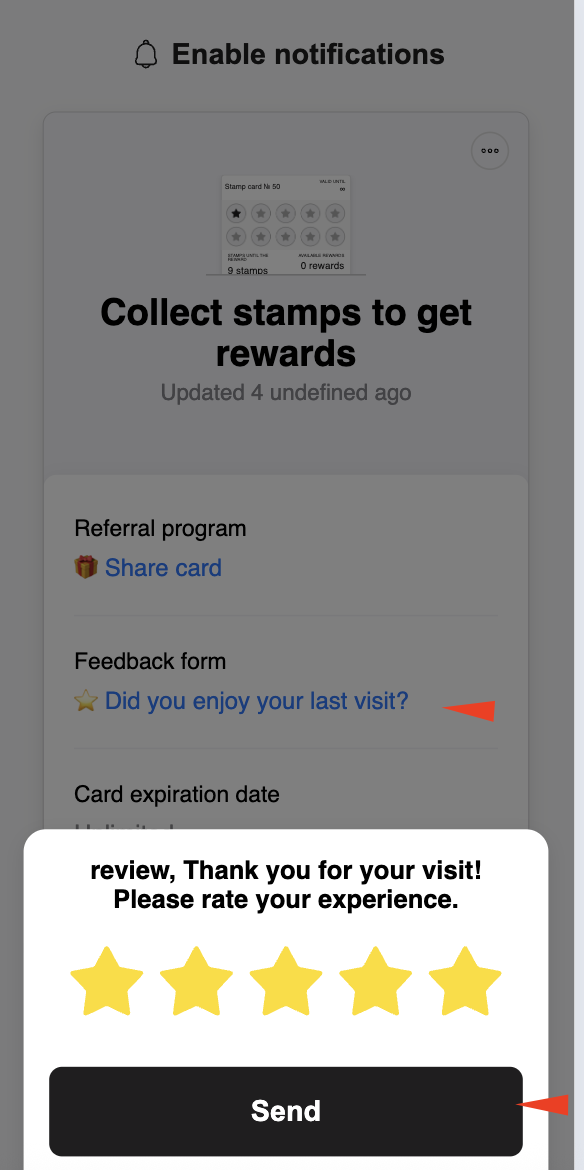
You can only receive a reward for a review once per card.
The review must be left within 10 minutes after the rating.